To gain access to the client’s Google Search Console account, the agency needs to ask their client to follow these steps:
Sign in to their Google Search Console account.
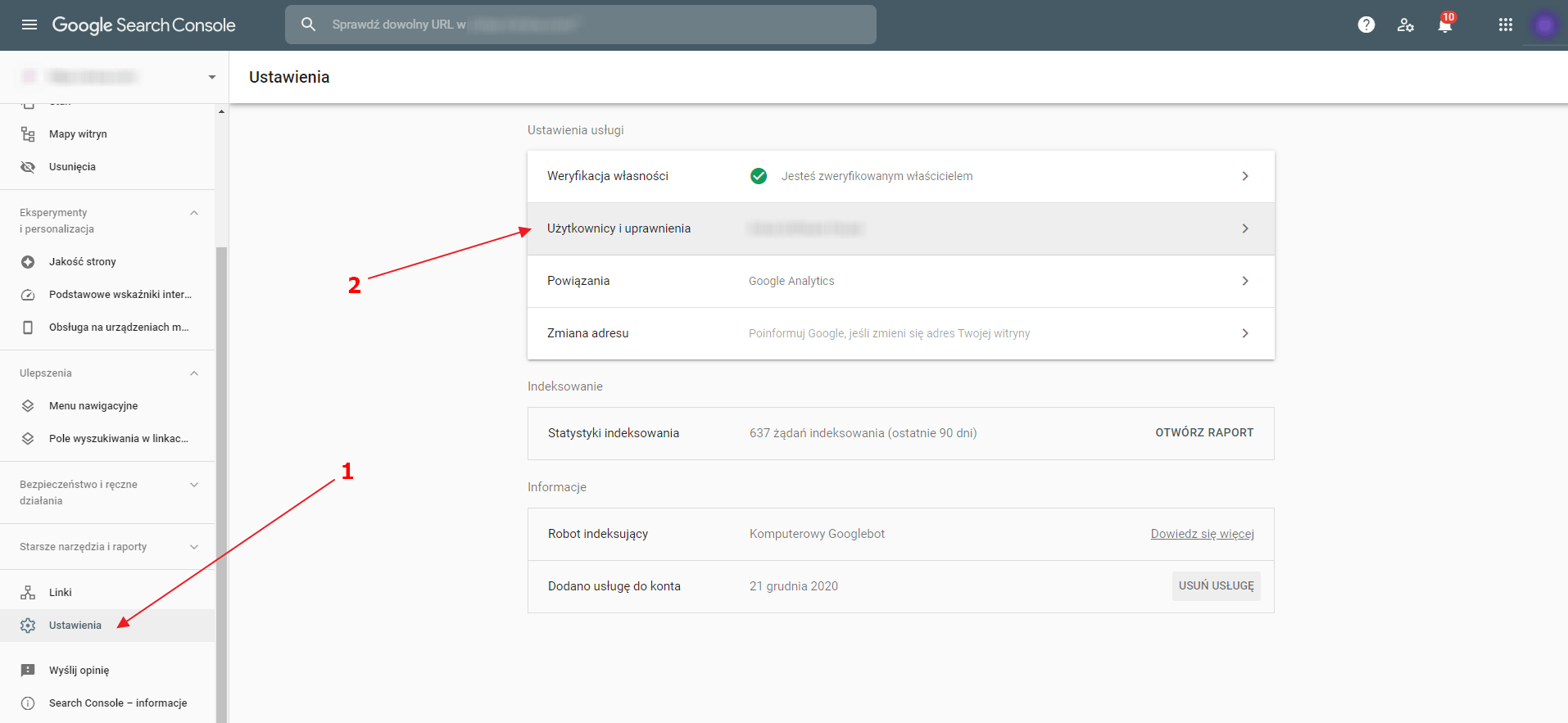
Go to Settings and click on Users and permissions.
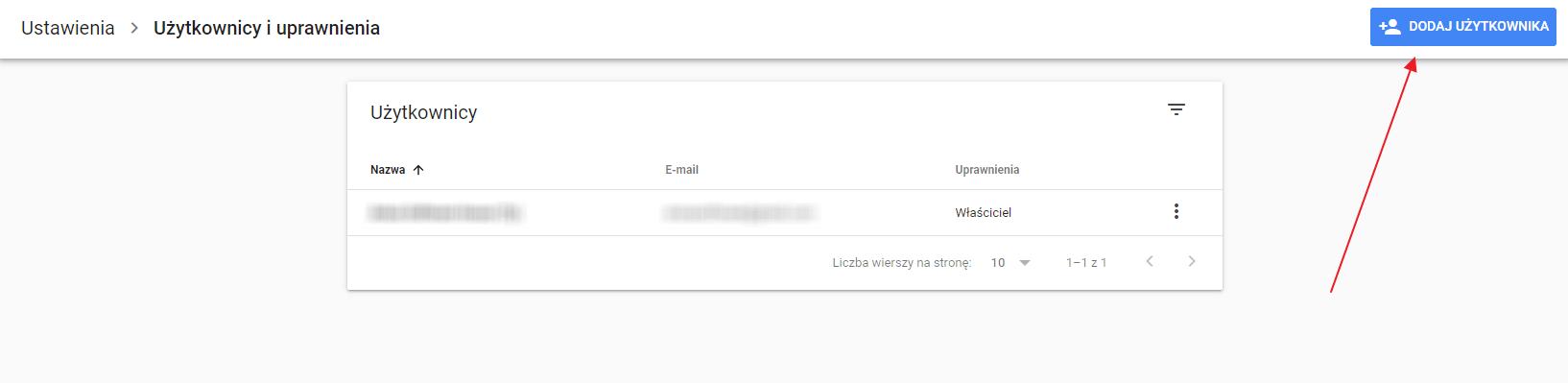
Click on Add user.
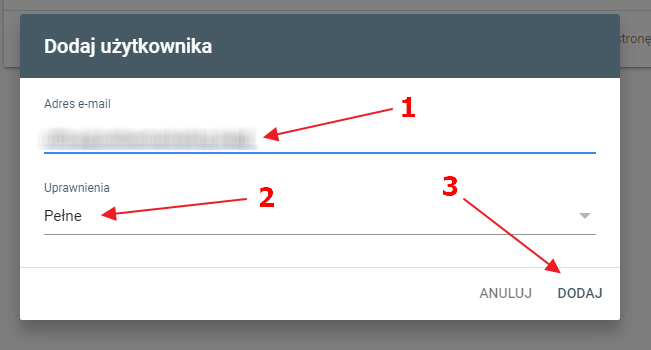
Enter the agency’s email address, choose Full permission and click Add.
Now, the agency will have full access to the client’s Google Search Console account.